
🎯 Homing the laser
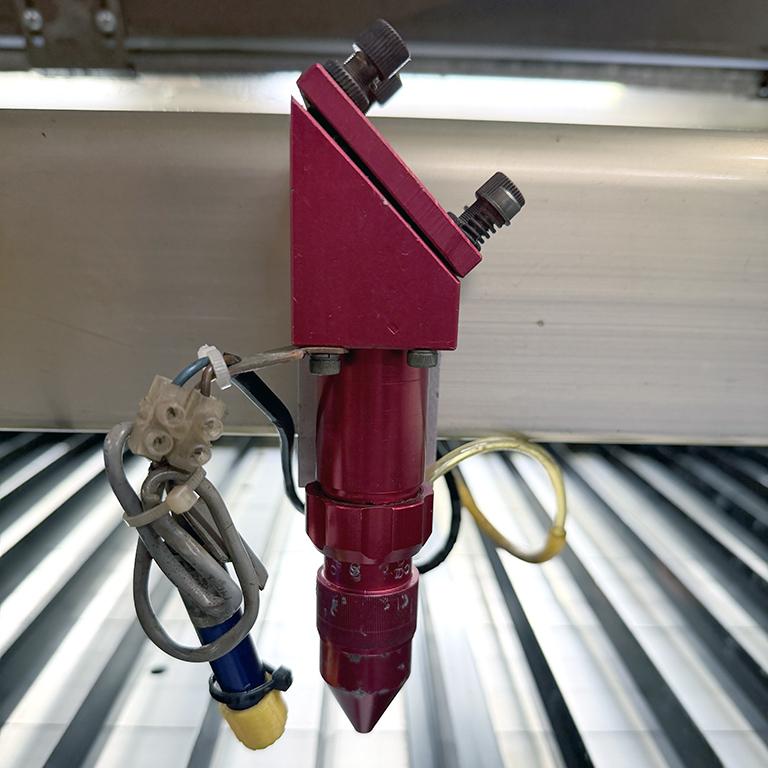
- Make sure the red lens focus tube is raised and fixed in place. Don't forget that the tightener screws the opposite way to normal, and that you must support the bottom part of the tube so that it doesn't drop out.
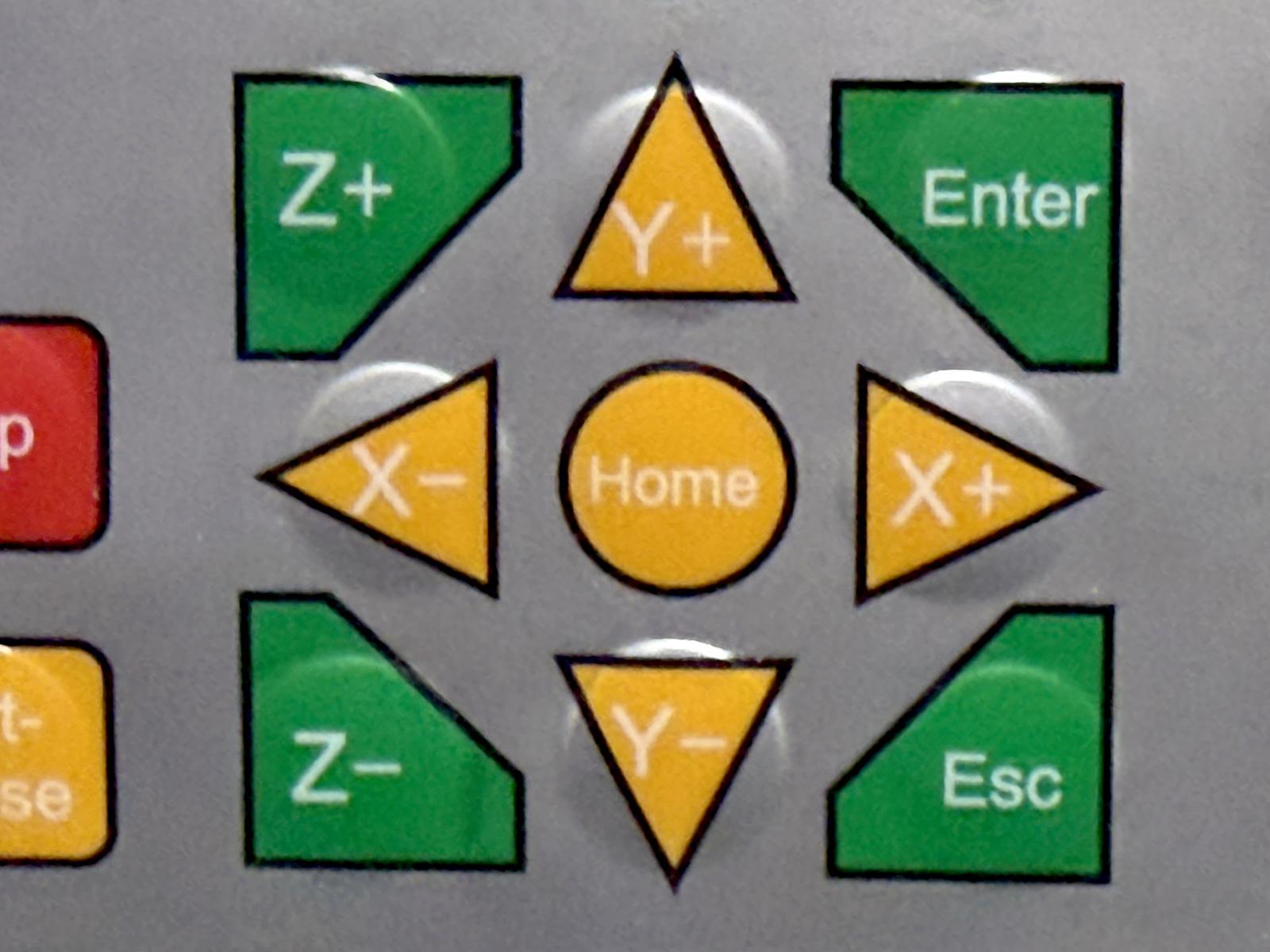
- On the laser panel, press the yellow home button (centre of arrows)
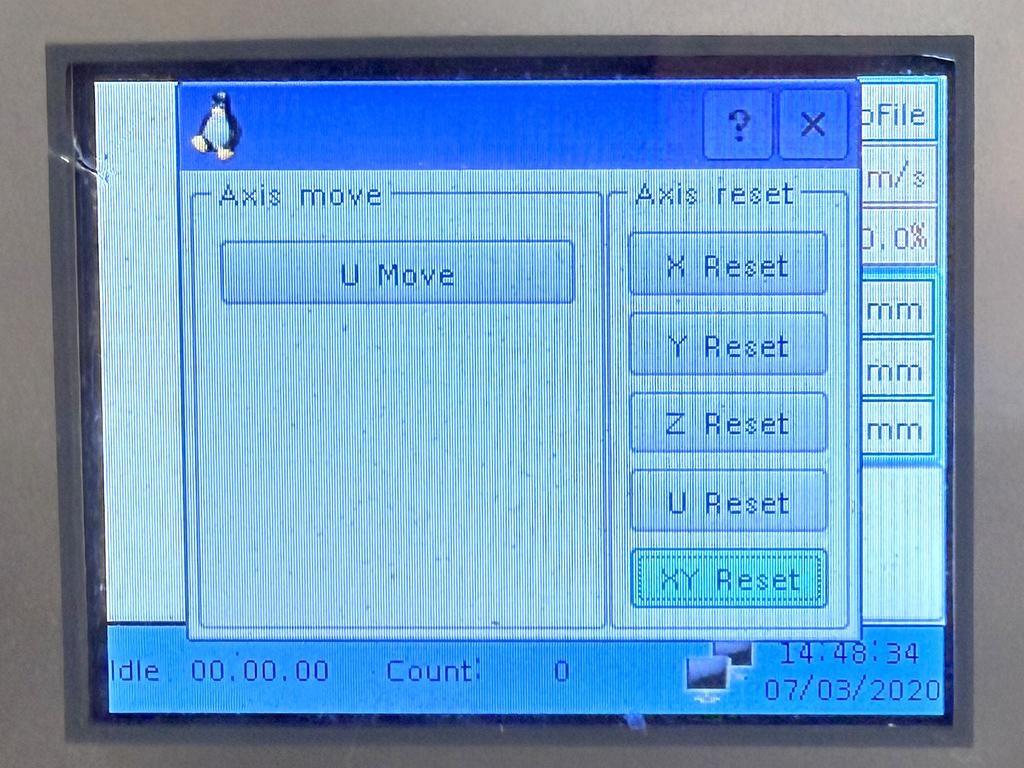
- Press the Y-/down arrow key until you have selected XY Reset button and press Enter on the panel. The gantry will move side to side, forward and back, and then finish in the back right corner of the laser.
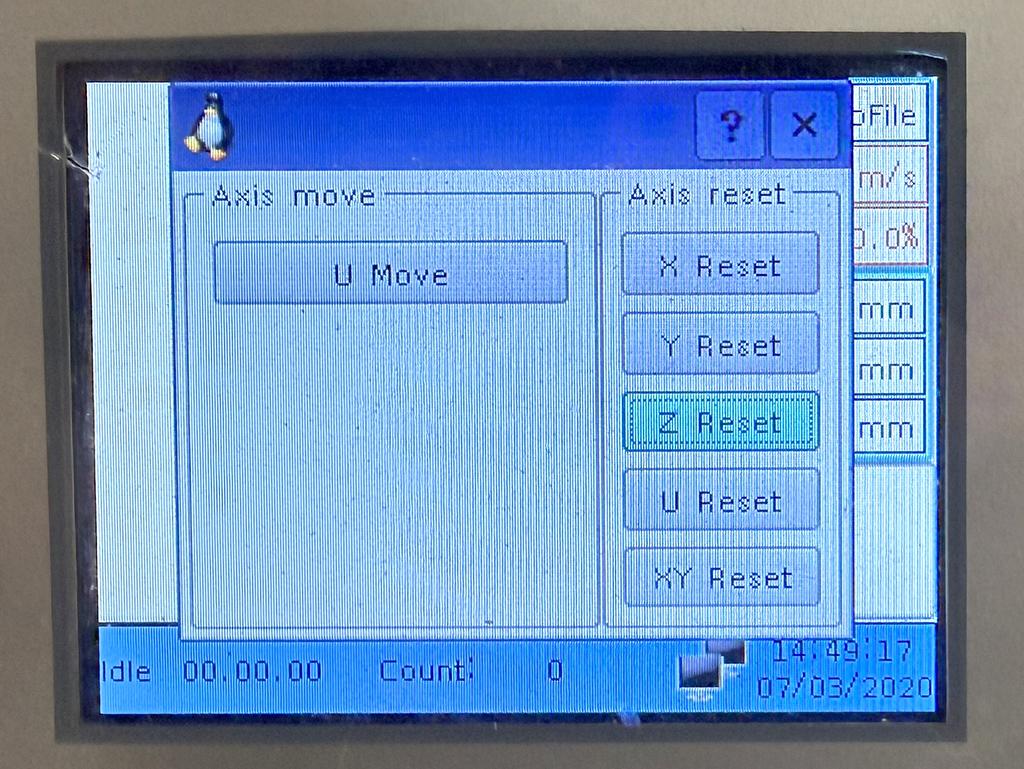
- Repeat the process, this time selecting the Z Reset button. The bed will move up and down.
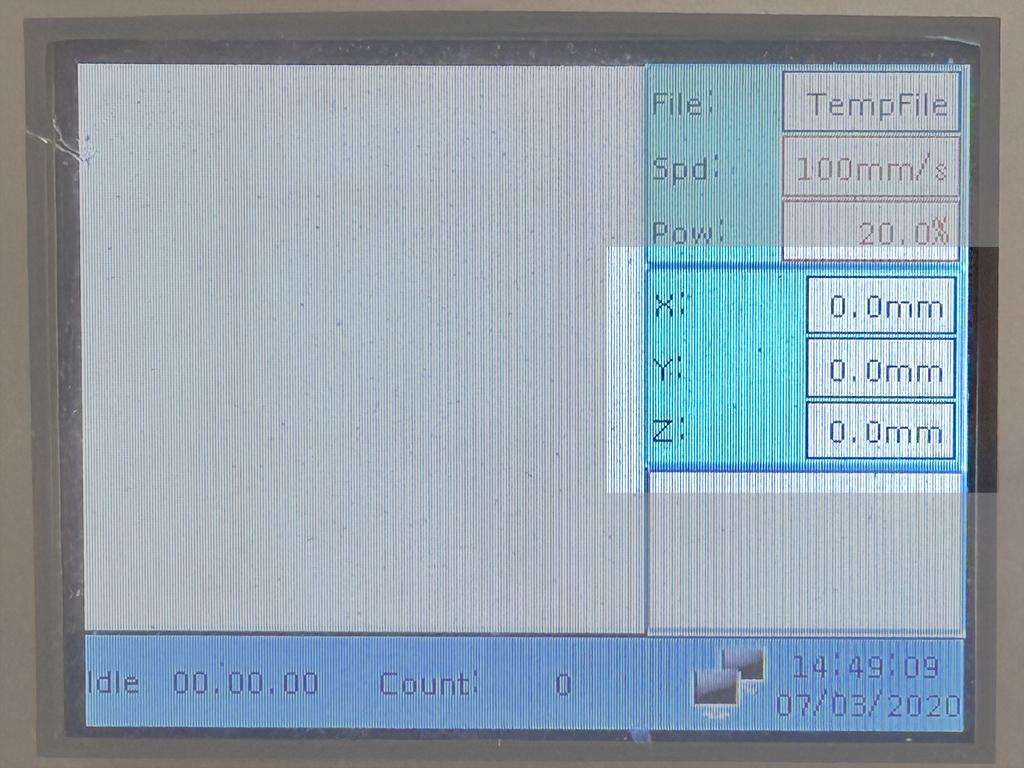
- The panel should now read 0.0mm for the X, Y and Z axes
No comments to display
No comments to display