
⚡️Turning on the laser
- Turn on the plug near the computer area
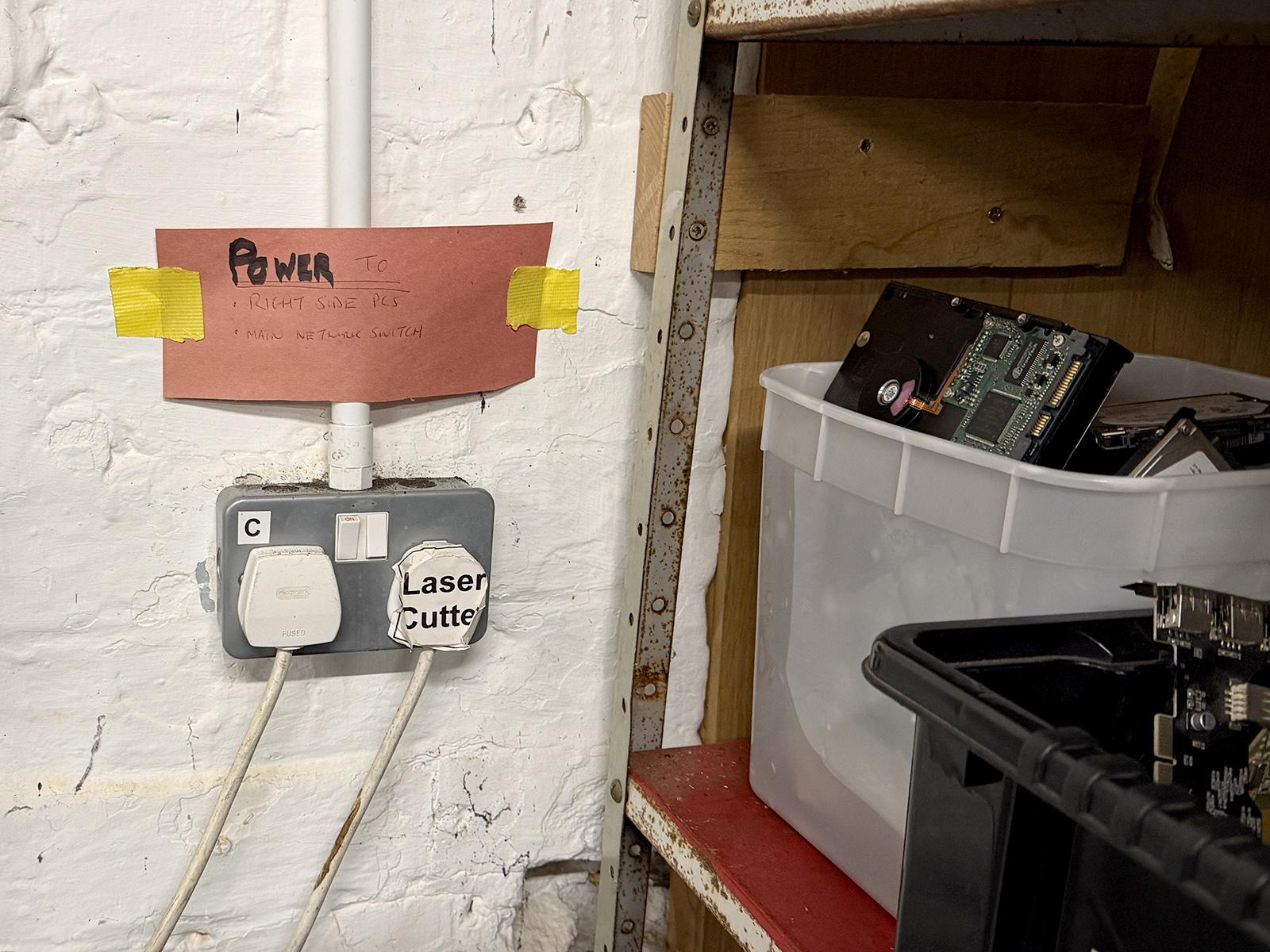
- The cooler should beep as it powers up. If it does not, check that the unit is switched on before proceeding.
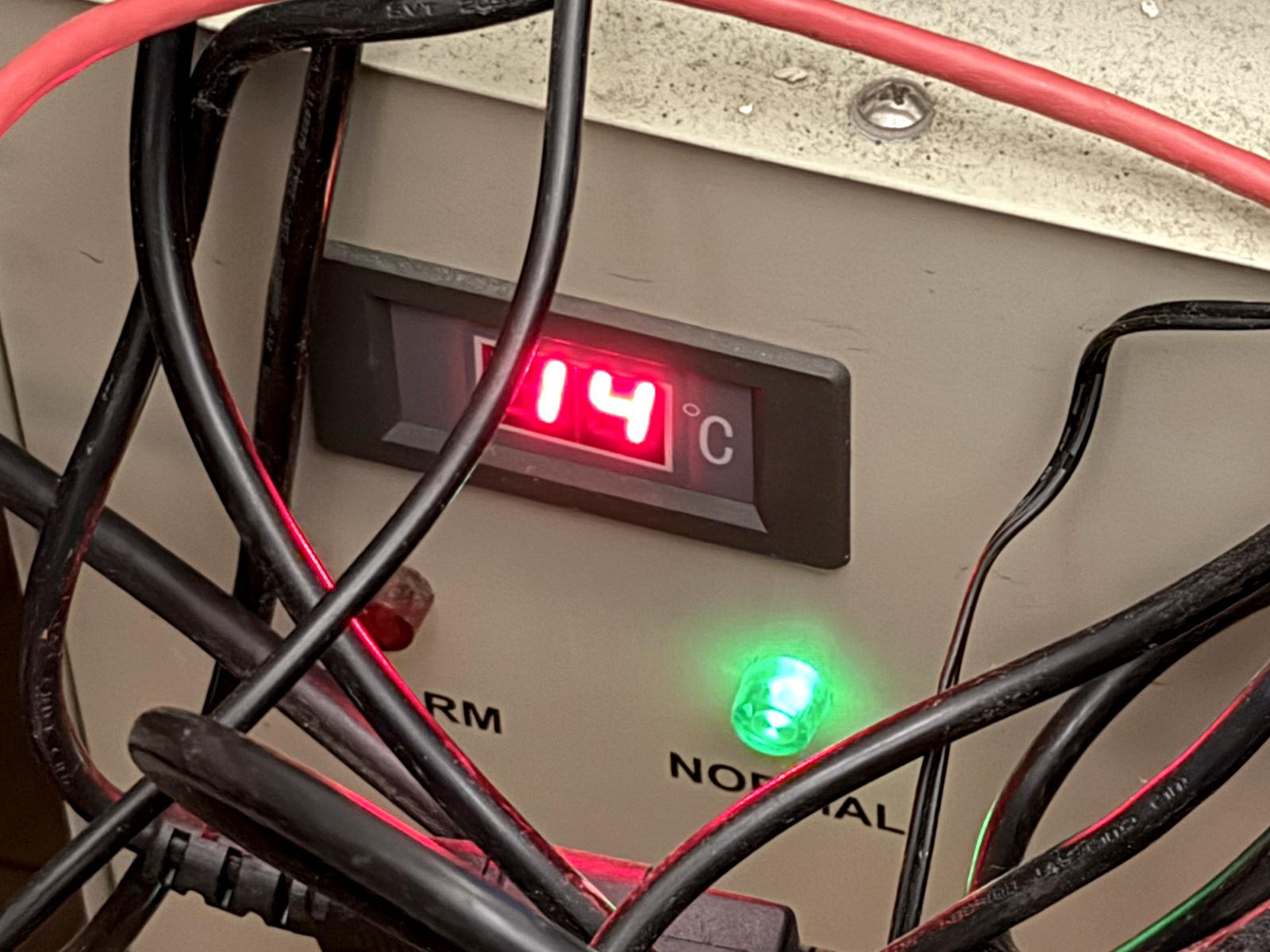
- Check the temperature displayed on the cooler behind the laser; it should be higher than (currently) 15°C. If not, do not use the laser. Also, check the temperature in the Hackspace: this should (currently) be greater than 15°C.
- Boot up the PC - password will be provided during your training
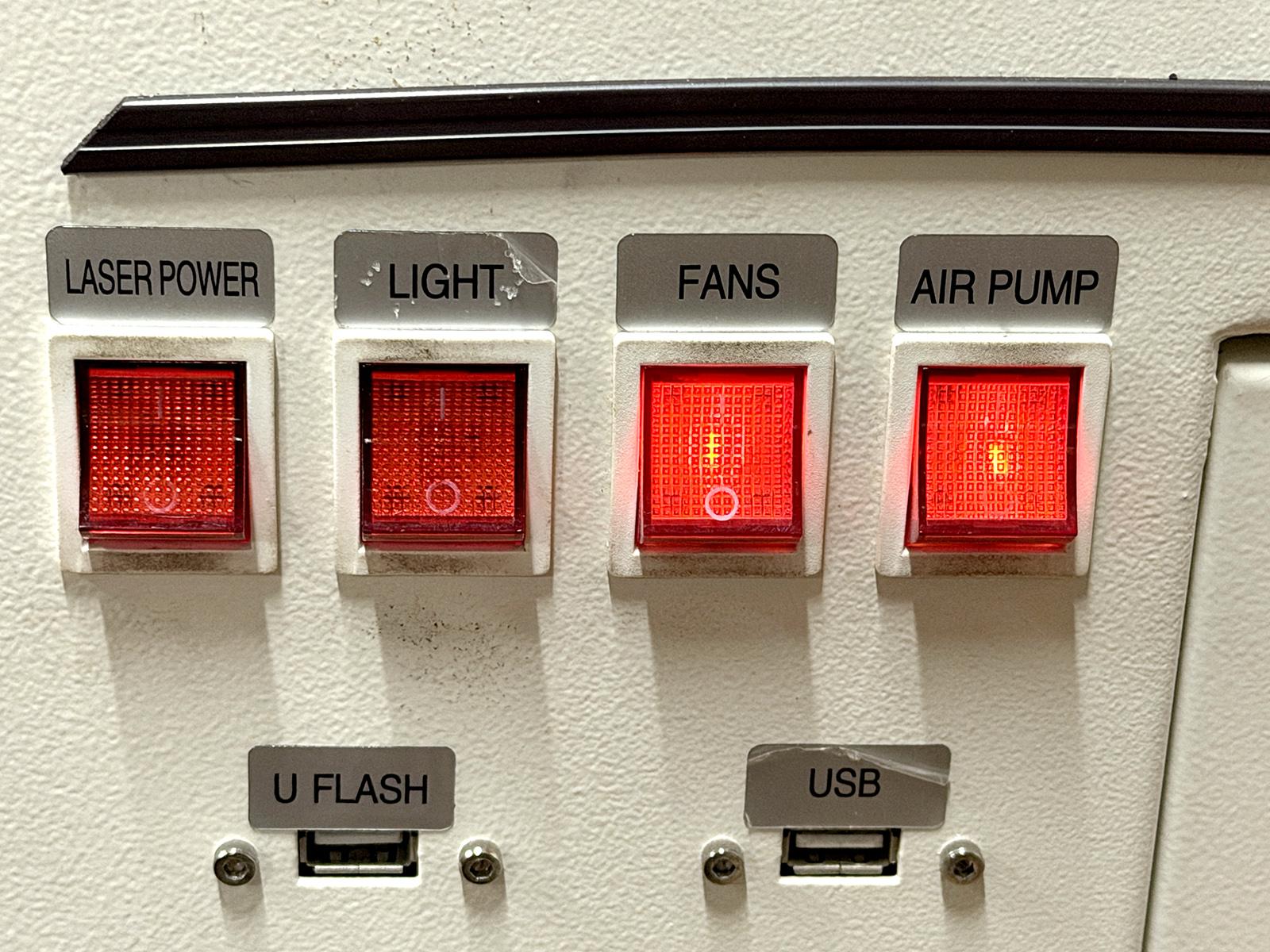
- Turn on all the switches on the side of the laser: leave a gap between closing each switch to avoid tripping the circuits. Not all the LEDs in the switches are working.
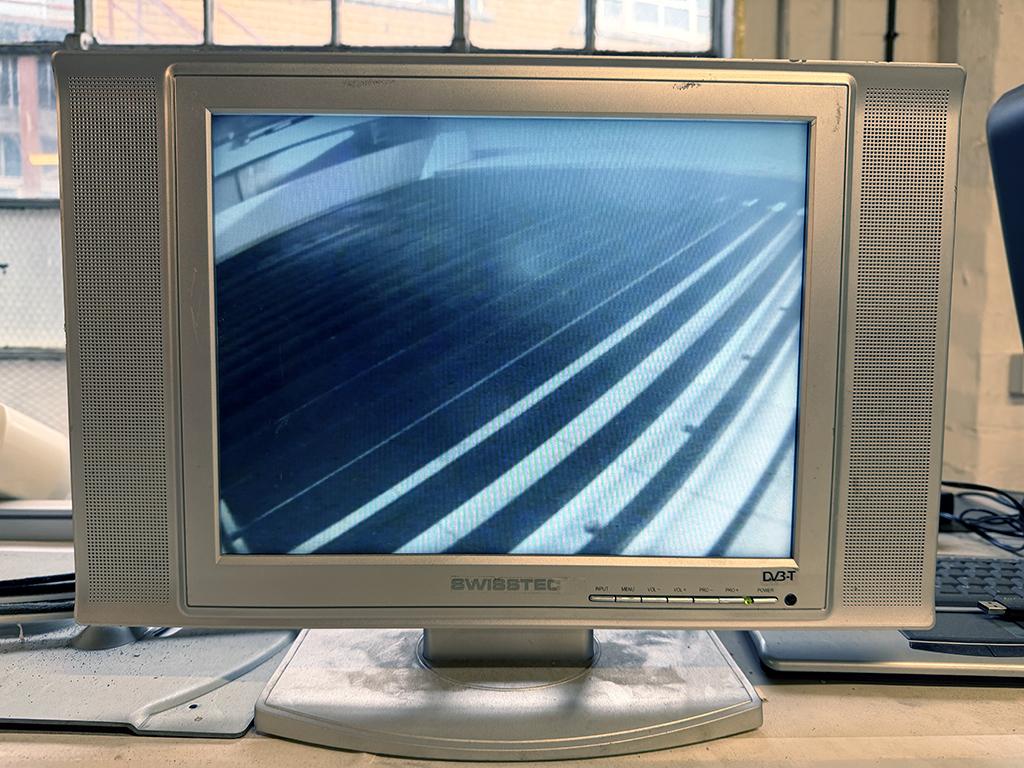
- Switch on the camera monitor
- Insert the Safety Key and turn it to the on position - you will be told where the key is kept during your training
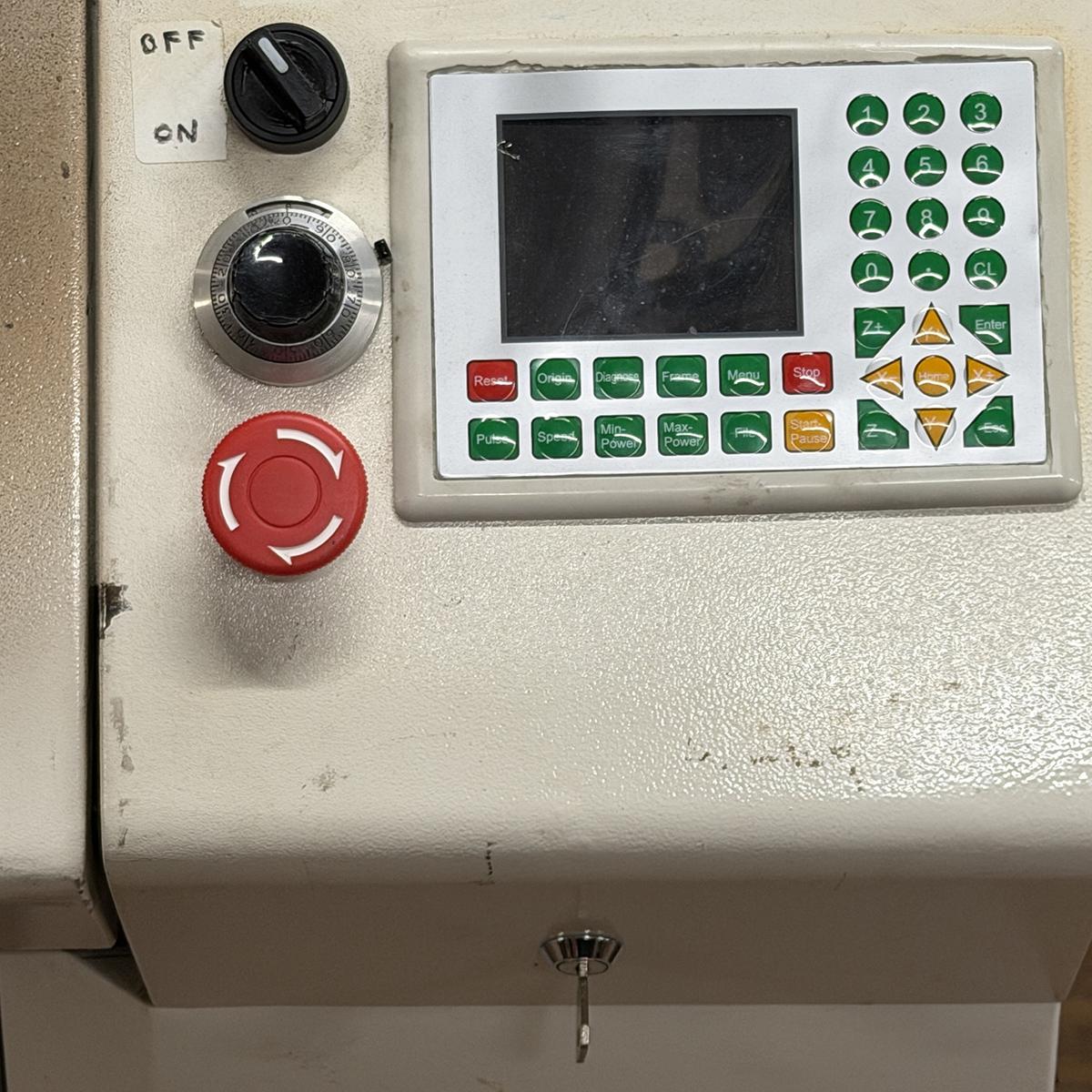
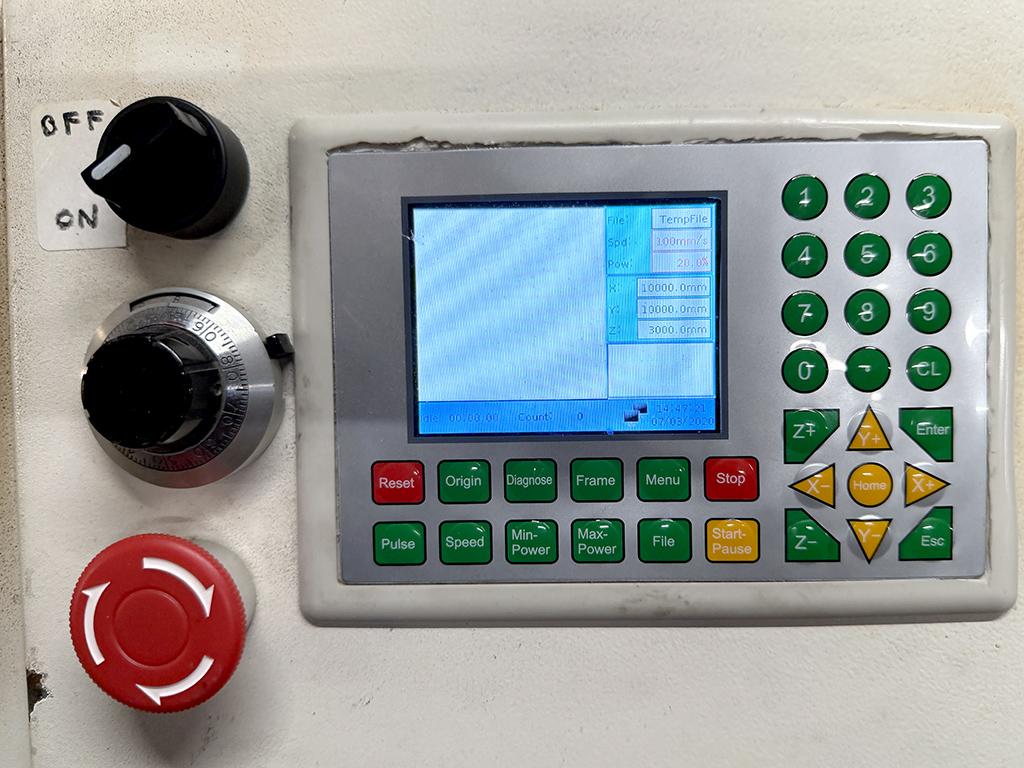
- Switch on the laser using the main dial switch and wait for the screen to finish booting
No comments to display
No comments to display